01
Start with a scan
Get a read-only view of user app cache folders, ordered by size. Scanning works without activation.
See which app caches take up space. Review their sizes and locations, choose what goes, and move it to the Trash. A native Mac app that keeps you in control.
macOS 14+ · One-time purchase · Two Macs
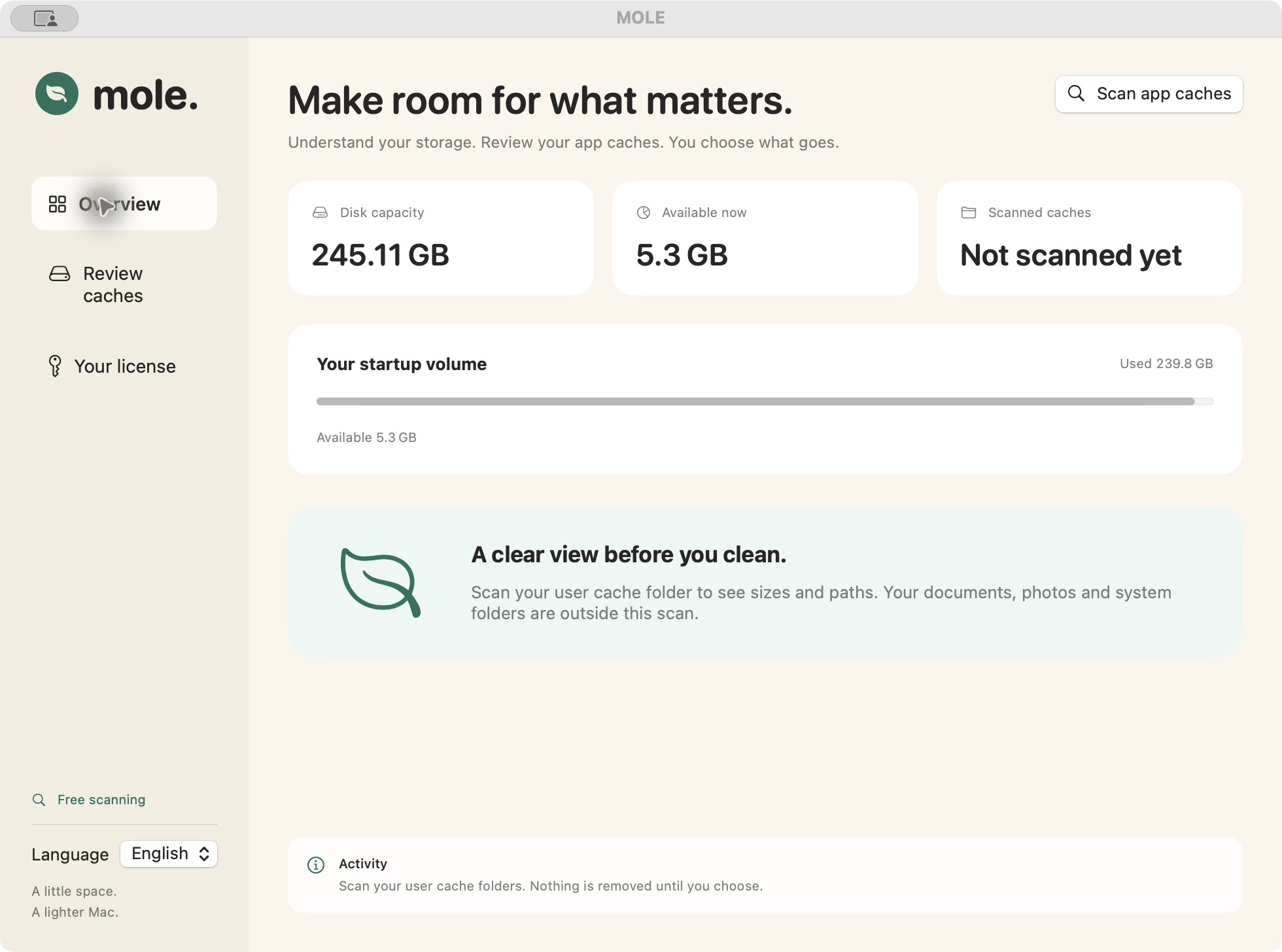
Actual macOS preview · Results vary by Mac. Scanned size is not a promise of recoverable space.
View screenshot at full size ↗Three steps. No automatic deletion. No mystery cleanup button.
Get a read-only view of user app cache folders, ordered by size. Scanning works without activation.
Search folders, check their paths and reveal them in Finder. Close the related apps before cleanup.
See your selected size and confirm the move. Files still occupy space until you empty the Trash yourself.
Disk capacity, available storage and scanned cache size sit together. Know where you are starting before choosing anything.
Search by folder name, compare sizes and inspect the location. Your selection has its own total, so the next step is clear.
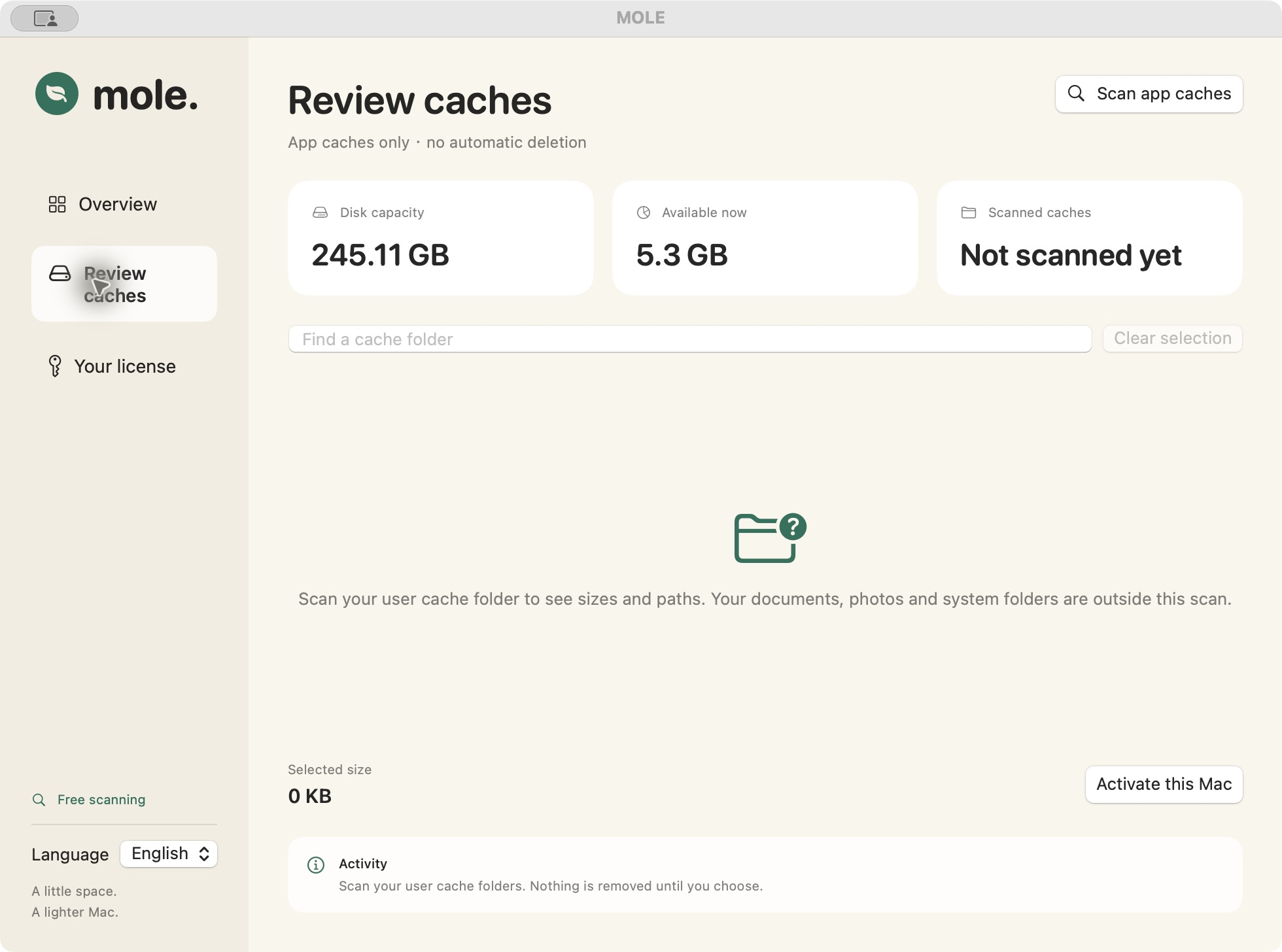
Your activation key arrives by email after purchase. Manage devices from your account and unlink an old Mac when you switch computers.
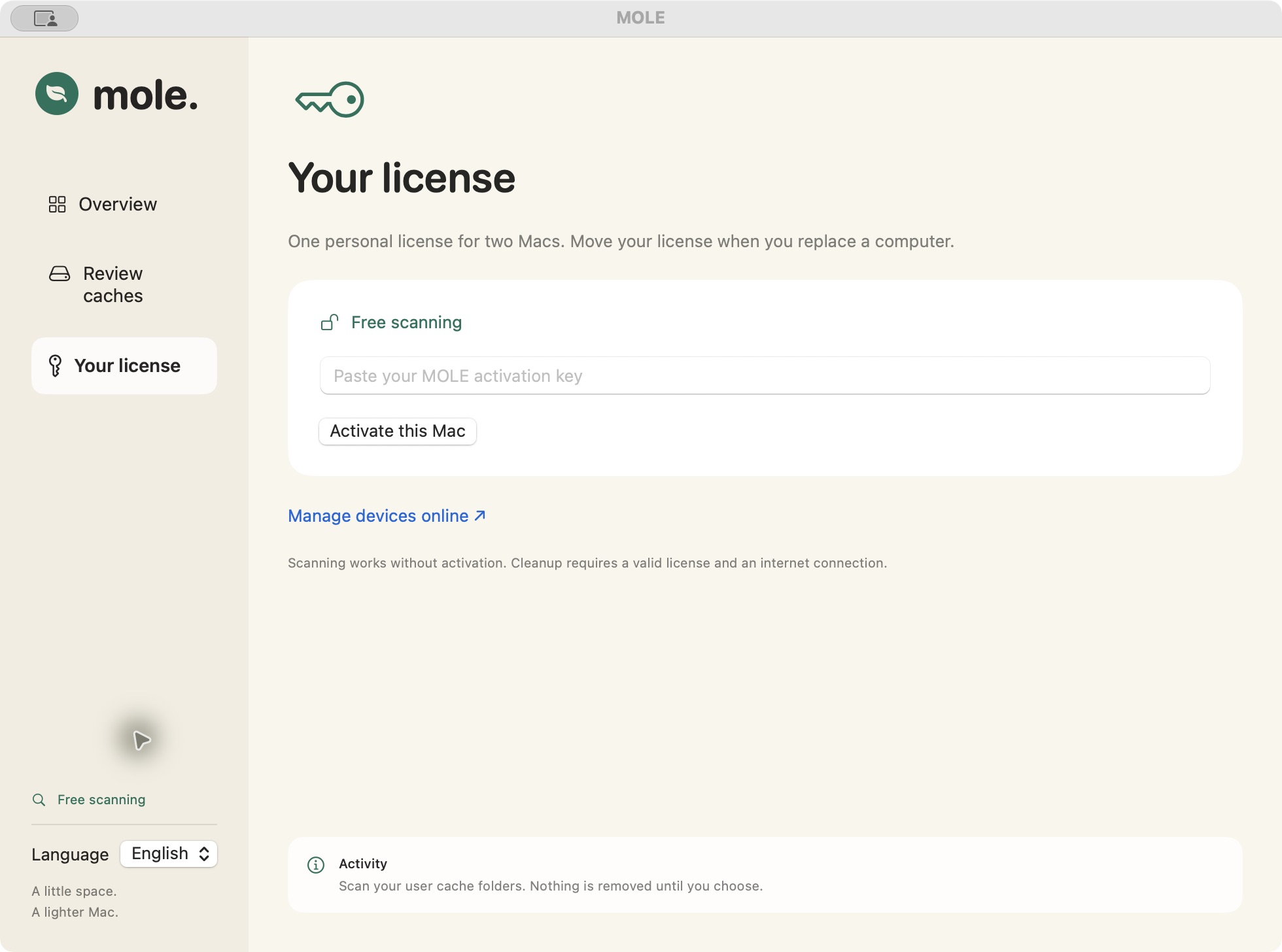
MOLE only moves the cache folders you select and confirm. It never empties your Trash for you.
The scanner reads files locally. Cleanup checks your license online; your cache contents are not uploaded by the scanner.
Current scope: user app caches. Whole-disk analysis, duplicate finding and app uninstallation are not included.
One license for two active Macs. No recurring subscription.
A cache cleaner, disk analyzer and duplicate file finder solve different problems. Start with the task you actually need to finish.
Review app cache sizes before you remove files. A practical guide to clearing Mac caches with control.
Read the guide →Find the right starting point when your Mac is low on storage or needs room for an update.
Read the guide →Disk analysis, duplicate photos, app removal, batch renaming, media conversion and OCR solve different jobs.
Read the guide →Scanning, cleanup and what happens after purchase.
MOLE lists supported folders in your user Library/Caches directory. You review their paths and sizes before moving selected folders to the Trash. Caches can be recreated by the apps that use them; clearing them is not a permanent fix for low storage.
Scanning is read-only. Cleanup requires your selection and confirmation, and moves supported cache files to the Trash.
After the payment is verified, the purchase page shows your key and download link. We also email them to your purchase account address. You can find them again in My license or use Lost your key.
Yes. Open My license and unlink the old Mac. That frees a slot for your new computer.
Not in the current version. MOLE compares user cache folders, not every file on your disk. Use the Mac file-management guide below to choose a workflow for disk analysis, duplicate photos, app leftovers or file conversion.
The current preview is for Apple Silicon Macs running macOS 14 or later. Intel and Windows builds are not available. Check the download page before purchasing.
Yes. Once the release is available, cache scanning works without activation. Moving selected caches to Trash requires a paid license. Sales remain closed during this preview.
Scanning runs locally. Activation and each cleanup require an online license check. This version has no offline cleanup grace period.
A license allows two active installations. A third cannot activate until you unlink an old device in My license. The unlinked device can scan but will fail its next cleanup license check.
Check spam, open My license, or use Lost your key with your original purchase email. Recovery sends to that address only. If you no longer have access, contact support with your receipt.
The scanner does not upload your files. Licensing sends your key, an installation identifier and device name. Our website also processes account, purchase and transactional-email data as described in Privacy.
Selected folders are moved to Trash and still use storage until you empty it in macOS. Review its contents first. Cache sizes are estimates, and apps may create caches again.
Not in the current version. MOLE reviews the current user’s app cache folders. It does not scan arbitrary drives or offer full-disk analysis.
It depends on cache size, file count, disk speed and permissions. We do not guarantee a fixed duration or amount of recoverable space.
The personal license costs USD 15 once for two Macs, with no automatic renewal. It covers the version purchased. Future paid major upgrades will be stated separately. This version has no automatic updater.
Email support@mole.cheap with your order reference and the issue. See Terms for the current refund conditions. Do not email passwords, payment-card details or your activation key.
Take a closer look at MOLE for Mac.
Explore MOLE for Mac